

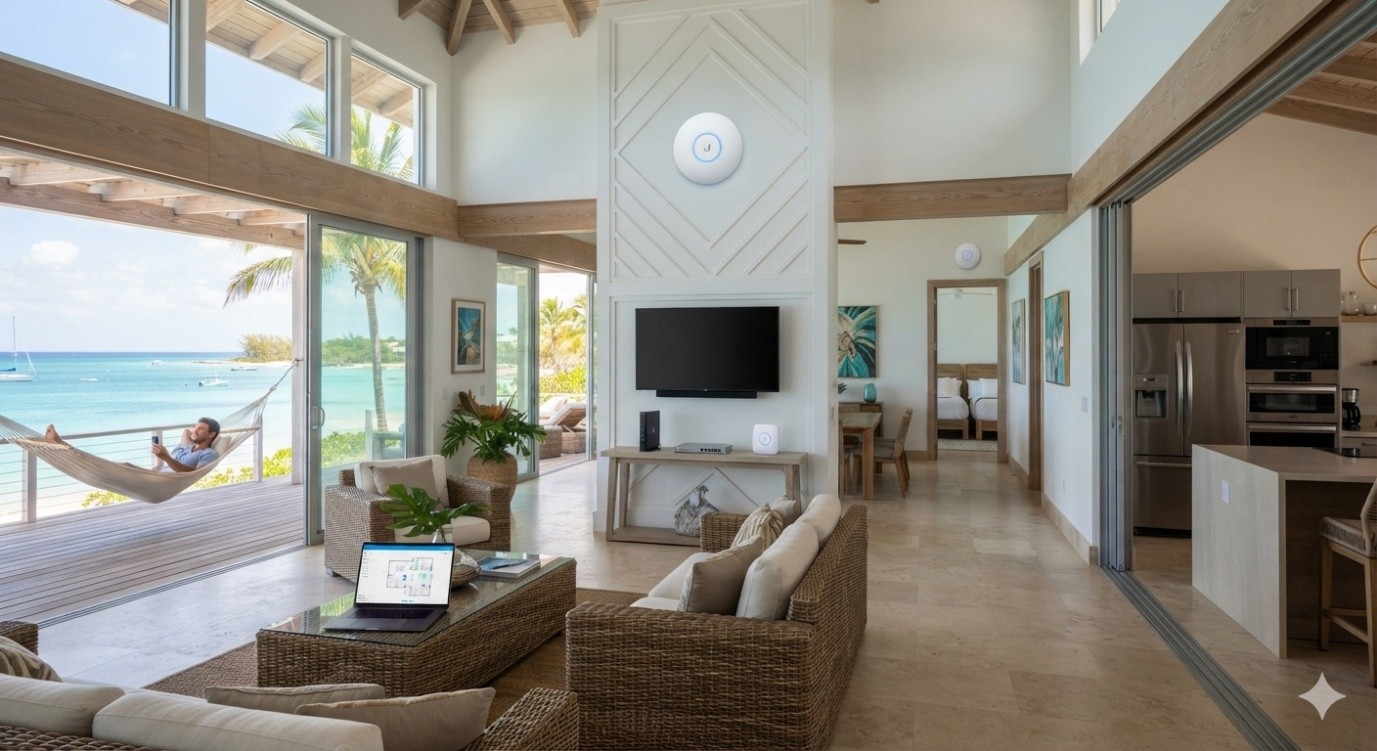
Wi-Fi problems do not always announce themselves in obvious ways. Sometimes the connection works well in the living room but fades on a balcony. In a business setting, guests may have no trouble connecting near reception while staff in a back office deal with slow or unstable service.
These uneven results usually point to a layout problem rather than a simple lack of internet speed. Homes, villas, offices, and hospitality properties can have very different coverage needs, so the network has to be planned around the actual space.
Begin With Everyday Use
The first step is not choosing access points. It is figuring out where people really need the network.
A holiday property may need dependable coverage in bedrooms, living areas, outdoor seating spaces, and around security cameras. A business may depend more heavily on front-desk systems, staff computers, payment devices, and guest Wi-Fi.
Good Bahamas network solutions should reflect those differences. Walking through the property and noting where devices are used can expose areas that would otherwise be missed during installation.
This also helps separate genuine coverage needs from places where extra equipment would add little value.
Walls Can Change the Plan
Wireless signals do not travel through every building in the same way. The range of a signal may be affected by thick walls, multiple floors, isolated areas and long corridors.
That is why placing a single access point in the middle of a property and hoping it covers everything is often disappointing. Even when a device shows a Wi-Fi connection, the quality may fall sharply as users move farther away.
A better approach is to place equipment around the way the building is divided. One access point may serve the main living or working area, while another handles a distant floor or separate section.
The aim is steady coverage, not simply the strongest signal in one room.
Outdoor Areas Need Attention Too
Many properties use Wi-Fi beyond the main indoor space. Patios, pool areas, entrances, courtyards, and detached structures may all need connectivity.
These areas are easy to forget during early planning because most networking equipment is installed indoors. Problems often become noticeable only after someone tries to join a video call outside or finds that a camera has an unreliable connection.
A planned Bahamas WiFi installation can account for these spaces from the beginning. Suitable access-point placement, and proper cabling make it easier to extend coverage without relying on improvised fixes later.
Use Wiring Where It Makes Sense
Not every device needs to connect over Wi-Fi.
Desktop computers, network switches, cameras, access points, and other equipment that stays in one place can often benefit from Ethernet. Wired links reduce unnecessary wireless traffic and create a more dependable path for important devices.
Cabling also gives access points a solid connection back to the network rather than forcing them to depend entirely on wireless links.
It may not be the part of an installation people notice first, but good cable planning can make a noticeable difference once the network becomes busy.
Separate Guests From Important Devices
A property may have several groups of users sharing one internet connection. Guests could be browsing or streaming while staff is using business systems. At the same time, cameras, printers, and smart devices may be operating in the background.
Those devices do not all need the same level of network access.
Creating separate network segments can keep guest traffic away from internal equipment. It also makes it easier to understand which devices belong where when troubleshooting is needed.
For businesses and larger properties, this kind of organization becomes more useful as the number of connected devices grows.
Make Expansion Less Difficult
A network that works today should not become a headache after a few new devices are added.
Leaving spare switch capacity, planning useful cable routes, and keeping network equipment organized can make later changes much simpler. Another access point, camera, or workstation can then be added without rebuilding the whole setup.
This is particularly useful for properties that change how rooms are used or gradually add more connected technology.
Conclusion
Reliable Wi-Fi comes from understanding a property before deciding where the hardware should go. Indoor coverage, outdoor spaces, wired devices, guest access, and future expansion all deserve attention.
When those pieces are considered together, the network becomes easier to use and easier to manage. Instead of chasing weak spots after installation, the property starts with a setup designed around the way people actually move, work, and connect. Working with a team like UniFiNerds.com can help bring that kind of planning into a property from the very beginning.
1 comment
تزداد أهمية القوائم المالية لشركة الكهرباء كلما بحثنا عن وضوح الموقف المالي وجودة الحوكمة، فالمستندات المنشورة بعناية تعكس قدرة الشركة على إدارة الأصول والالتزام بالمعايير وبناء الثقة مع الشركاء والعملاء. كما أن اعتماد بيانات دقيقة ومنهجيات شفافة يساعد على تقييم الأداء وتقليل المخاطر، وهو ما يطمئن إلى استدامة خدمات التوزيع.