

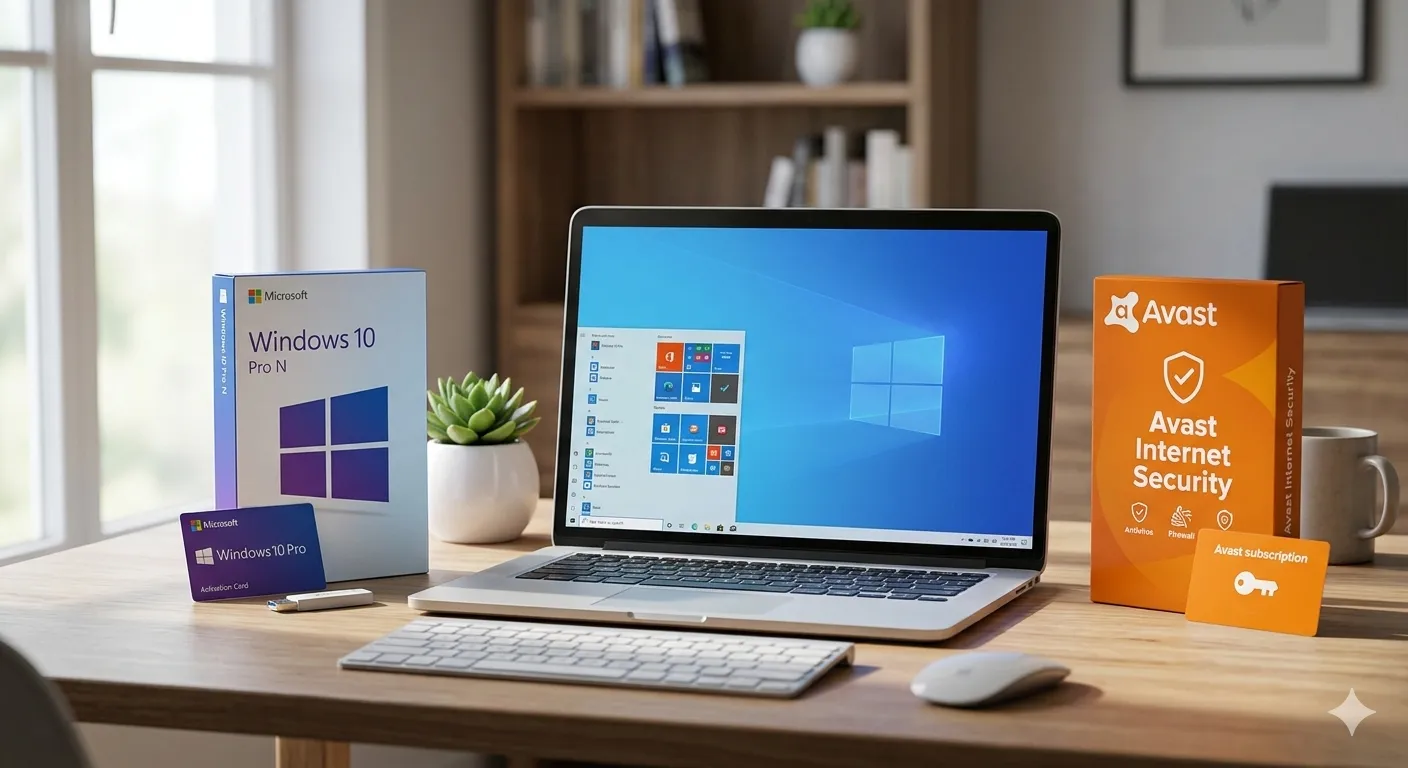
A computer should be ready for work and safe for daily use. Windows 10 Pro N offers familiar tools for business tasks and personal needs. Avast adds another layer of security through features that help detect harmful files and unsafe activity. Both products have different roles. One manages the computer while the other helps protect it. Understanding their features and licence terms can help users make better software choices and avoid common setup problems.
Inside The Pro N Edition
Windows 10 Pro N is a special edition of Windows 10. It has many of the same core features as the standard Pro version. The main difference is that certain media-related technologies are not included by default. This can affect apps that rely on built-in media tools. Users may need to install the Media Feature Pack for some functions. Before choosing this edition, check whether your work or favourite apps depend on those features.
Activation Starts With Edition
Windows activation confirms that the installed operating system has a valid licence. The product key must match the edition on the computer. A key for Windows 10 Home will not activate Windows 10 Pro N. Before you activate Windows 10 Pro N, check the edition shown in the system settings. Also make sure the key comes from a trusted source. Keep your purchase details safe because they may be useful if an activation error appears later.
Know The Support Limits
Windows 10 reached the end of standard support on October 14 2025. This means regular security updates and technical support have ended for most users. Eligible devices may receive updates through Microsoft’s Extended Security Updates programme. The available terms depend on the device and enrolment method. This point matters when planning long-term use. A valid activation does not mean that an operating system is still supported. Users should review their update options and consider moving to a supported Windows version.
Avast Adds A Security Layer
Avast offers tools that help users spot threats and protect their files. Depending on the edition, these may include real-time file checks and web protection. Some plans also provide extra privacy or network safety features. The exact tools can change between products and subscription levels. It is useful to read the current product description before making a choice. A security program works best when users keep it updated and pay attention to warnings instead of ignoring them.
Read The Licence Details
An Avast purchase may come with a code or an account-based activation method. The correct process depends on the product and the seller’s terms. When buying an activation key avast check the exact edition and the number of devices covered. Look at the licence duration and renewal conditions as well. Do not assume that a code for one Avast product will work with another. Clear product details can help prevent wasted purchases and avoid confusion during setup.
Prepare Before Installation
Before adding Avast, check whether another antivirus program, such as one activated with an eset smart security key, is already installed. Running two real-time security tools together can cause conflicts or slow system performance. Remove old software only by following its proper uninstall steps. Then download the Avast installer from an official or trusted source. Follow the on-screen instructions and review each option. Once setup is complete, open the program and check its security status. Keep your licence details private and store your purchase record safely.
Keep Everyday Risks Low
Security software is useful, but safe habits still matter. Avoid unknown email attachments and downloads from sites that you do not trust. Do not use unofficial activation tools or shared product codes. They may expose your computer to harmful files or fail to provide a valid licence. Back up important documents to a safe location. Check for available system updates and review security alerts when they appear. Small steps can reduce risk even when a computer is used for simple tasks. Use strong passwords for every account and avoid reusing them across sites.
Conclusion
Windows 10 Pro N and Avast serve different needs on a PC. Check system details and licence terms before buying or installing software. Also remember that Windows 10 has passed its standard support date. For digital software options and product information, visit key-softs.com and review each listing carefully before making your choice.